Record it once.
Captura writes the guide for you.
Click through your workflow with the Chrome extension. Captura turns every click into a step, writes the descriptions with AI, and can even narrate it out loud — so you never type a how-to again.
No credit card required · 10 free guides to start
Step 1 of 4
Open the dashboard
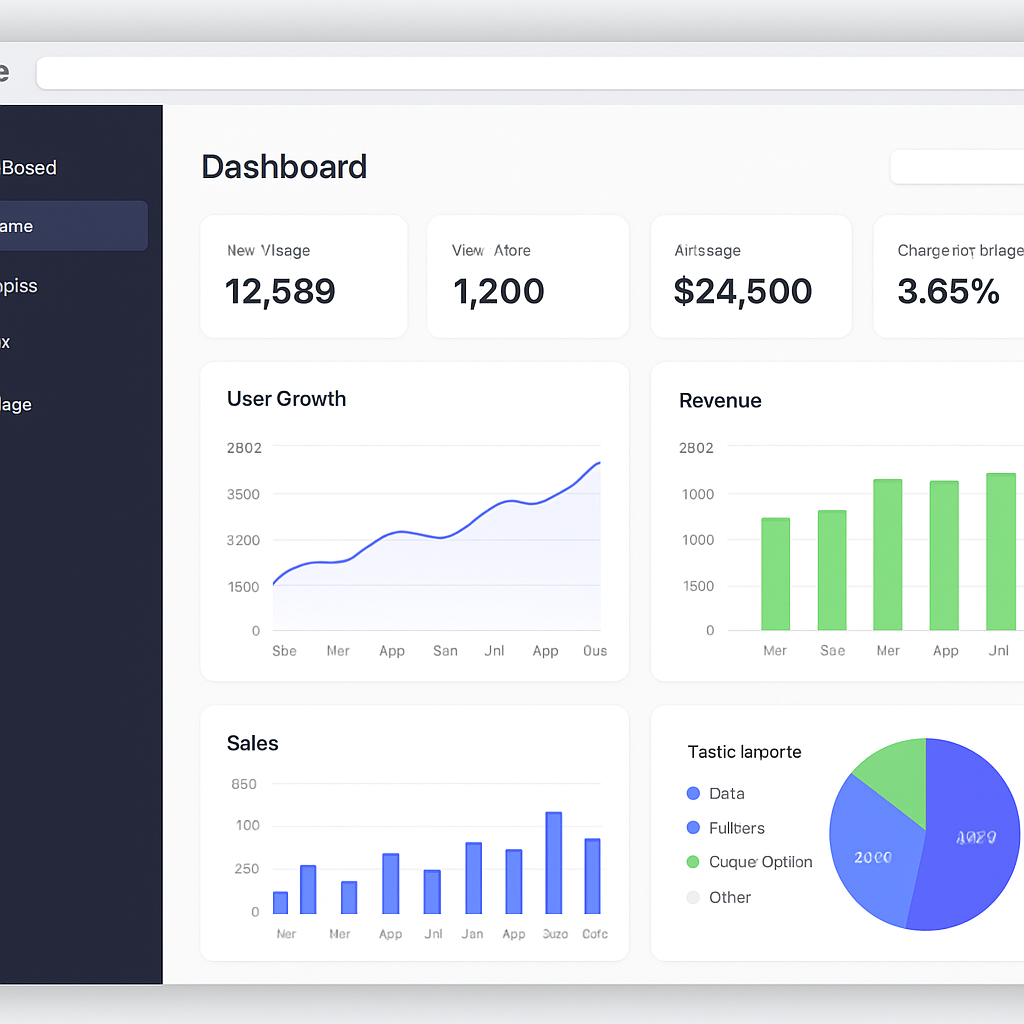
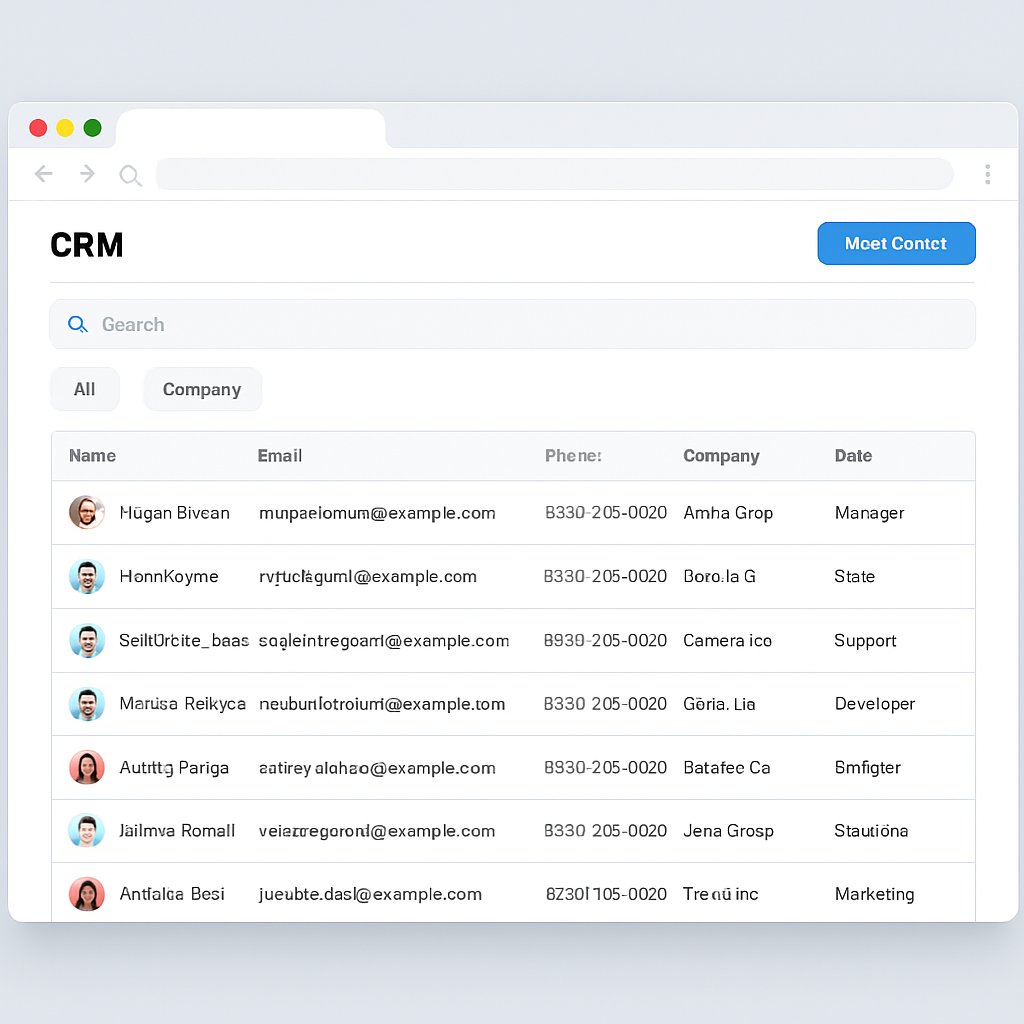
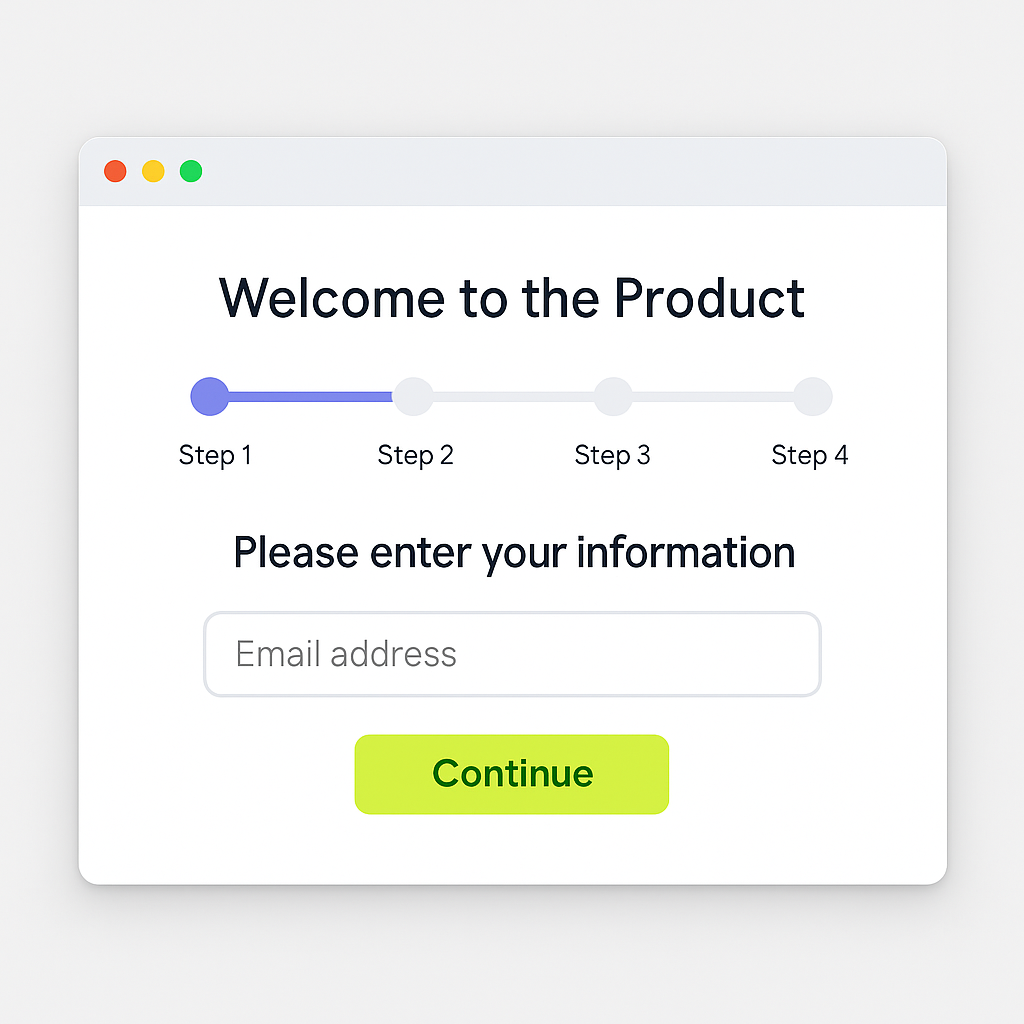
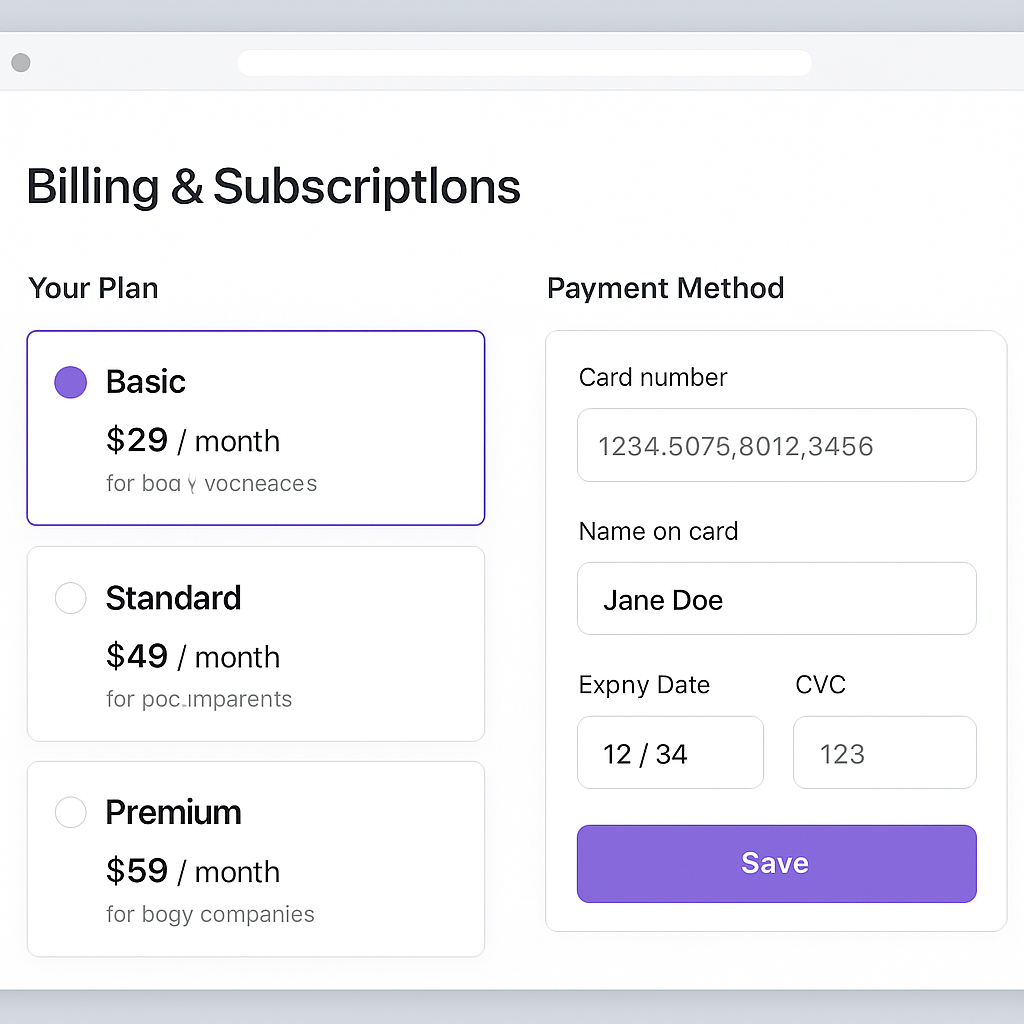
From clicks to a finished guide
No screen recording editing software. No writing from a blank page.
1. Click record, do your thing
Hit record in the Captura extension and walk through your workflow normally. Every click is captured as a screenshot automatically — no manual screenshotting.
2. AI writes the steps
Captura analyzes each screenshot and drafts a clear description for every step. Want narration instead of text? Generate a voiceover with one click.
3. Share it your way
Publish a public link, keep it private, or invite specific people with view limits and expiration. Export to PDF, video, GIF, or embed it anywhere.
Built for people who document their own work
"Stop explaining the same thing to every new client — send the guide instead."
Freelancers & consultants
"Turn your process into a polished tutorial without recording yourself talking."
Course creators & educators
"Answer support questions once, then just paste the link from now on."
Independent support & IT
Everything you need, nothing you have to configure
AI writes the descriptions
No more staring at a blank step trying to explain what you just clicked. Captura drafts it for you.
AI voiceover, optional
Turn any step into spoken narration without recording your own voice. Sounds like a real tutorial.
Share exactly how you want
Public link, unlisted link, or invite specific emails with a view limit and an expiration date.
Export anywhere
PDF, video, GIF, or an embeddable link — send the format that fits, not just a web page.
Blur sensitive info
Cover up names, emails, or anything else before you share — built right into the editor.
Your content stays yours
We don't train AI models on what you create, and you can export or delete it whenever you want.
Simple pricing
Start free. Upgrade only if you outgrow it.
Free
$0
Try Captura for real, no time limit.
Get started free- Up to 10 guides
- 1 video export / month
- Public & private sharing
- Voiceover script (text)
- "Made with Captura" watermark
Pro
Launch price$12/month
For anyone documenting work regularly.
For your first 3 months — then $25/month.
Start Pro- Unlimited guides
- Unlimited video exports
- No watermark
- AI voiceover narration
- Your own brand kit
- Blur tool & analytics
- PDF & HTML export
Business & Enterprise
Coming soon
For teams that need shared spaces, centralized billing, and admin controls.
- Team spaces & roles
- Centralized billing
- Priority support
Frequently asked questions
Do I need a credit card to try it?
No. The Free plan gives you up to 10 guides and a video export a month, no card required.
Does it work on Mac and Windows?
Yes — Captura runs as a Chrome extension, so it works on any operating system that runs Chrome.
What happens to my recordings if I cancel?
You can export your guides as PDF, video, GIF, or HTML before cancelling. After cancelling, you'll move back to the Free plan and its limits.
Can I control exactly who sees a guide?
Yes — besides a public or private link, you can invite specific people by email with a view limit (including view-once) and an expiration date.
Do you use my screenshots to train AI models?
No. AI features (step descriptions, voiceover) are only used to generate content for you when you ask for it, and your content isn't used to train any models.
Stop writing the same how-to twice
Install the extension, record your next workflow, and let Captura write it up.
Get started free